Top 10 Microsoft 365 Time Tracking Tools in 2026
Explore the best Microsoft 365 time tracking tools to improve productivity, reduce payroll errors, and simplify project management workflows.
If your team works inside Microsoft 365 every day, using a separate time tracking system can quickly create confusion. As of 2025-2026, Microsoft Teams has approximately 320 million daily active users. Employees switch between apps, forget to log hours, and struggle to keep projects organized.
The right time tracking tool works directly with Microsoft Teams, Outlook, SharePoint, and other Microsoft 365 apps, helping your team track time more accurately and stay organized without extra effort.
Here, you’ll also see which tools offer the best Microsoft Teams integrations, automated time tracking, employee monitoring, payroll support, and project management features for different business needs.
Why Microsoft 365 Teams Needs Time Tracking Software
Microsoft 365 helps your team collaborate, communicate, and manage daily work, but it does not include advanced time tracking features. That can make it difficult for you to monitor billable hours, employee productivity, project progress, and payroll accuracy.
Here’s why adding an effective time tracking tool to your Microsoft 365 workflow matters:
Better Visibility into Team Work
If your team works remotely or follows a hybrid setup, employees often switch between multiple apps throughout the day. Without proper tracking, it becomes difficult for you to understand where work hours are actually spent. A time tracking tool gives you clear visibility into workloads, projects, and employee activity.
More Accurate Payroll Processing
Manual timesheets can lead to missed work hours, incorrect entries, and payroll mistakes. Automated time tracking helps you reduce errors and makes payroll processing faster, smoother, and more reliable.

Did you Know?
Research by BusinessWire said that payroll errors cost companies an average of $291 per error.
Easier Project and Budget Management
When you track time against projects, you can clearly see which tasks consume the most time and resources. This helps you estimate future projects more accurately, manage budgets better, and avoid resource overload.
Improved Accountability
Time tracking encourages your employees to stay organized and manage their schedules more effectively. It also helps you identify productivity gaps, improve workflows, and keep projects on track.
Better Client Billing
If your business bills clients based on hours worked, accurate time tracking becomes essential. A Microsoft 365-compatible tracking tool helps you capture billable hours properly so your team doesn’t miss valuable work time.
Need better visibility into productivity and project progress?
Explore Time Champ and start improving workforce efficiency with smarter time tracking.
Top 10 Microsoft 365 Time Tracking Tools
Comparing features, pricing, and integrations can help you choose the best Microsoft 365 time tracking tool. Below are the best Microsoft 365 time tracking tools to help you track employee time, improve productivity, and manage projects more efficiently.
1. Time Champ - Best for Time Tracking and Employee Monitoring
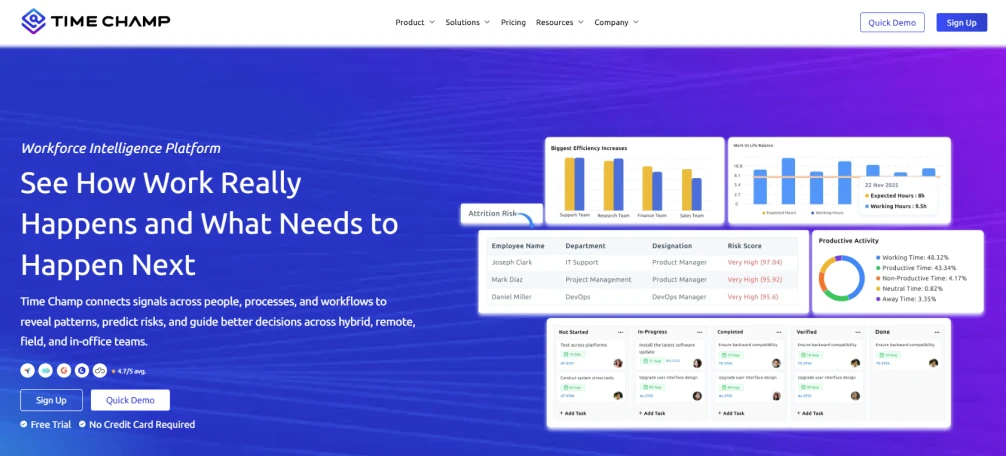
With integrations across Microsoft 365 apps like Teams, Outlook, Word, and Excel, you can understand how your team spends time throughout the workday without switching between multiple tools.
Key Features
- Automatic Time Tracking -Tracks work hours automatically so your team doesn’t need to enter time manually.
- Productivity Monitoring -Helps you see productive, neutral, and unproductive activities across the workday.
- Attendance and Shift Management -Allows you to manage employee attendance, shifts, and work schedules easily.
- App and Website Usage Tracking -Shows how much time your team spends on Microsoft 365 apps and other tools.
- Project and Task Tracking -Helps you monitor time spent on projects, tasks, and client work.
- Automated Reports and Timesheets -Generates ready-to-use activity reports and timesheets for accurate payroll and performance reviews.
Pros
- Offers affordable pricing for growing teams
- Helps you gain deeper productivity insights
- Works well for remote and hybrid teams
Cons
- Monitoring features may feel advanced for smaller teams
- Expensive for small businesses
Pricing
- Starter:$3.90/user/month (billed annually)
- Professional:$6.90/user/month (billed annually)
- Premium:$13.90/user/month (billed annually)
Reviews
2. TimeClock 365 - Best for Attendance Tracking and Biometric Clock-Ins
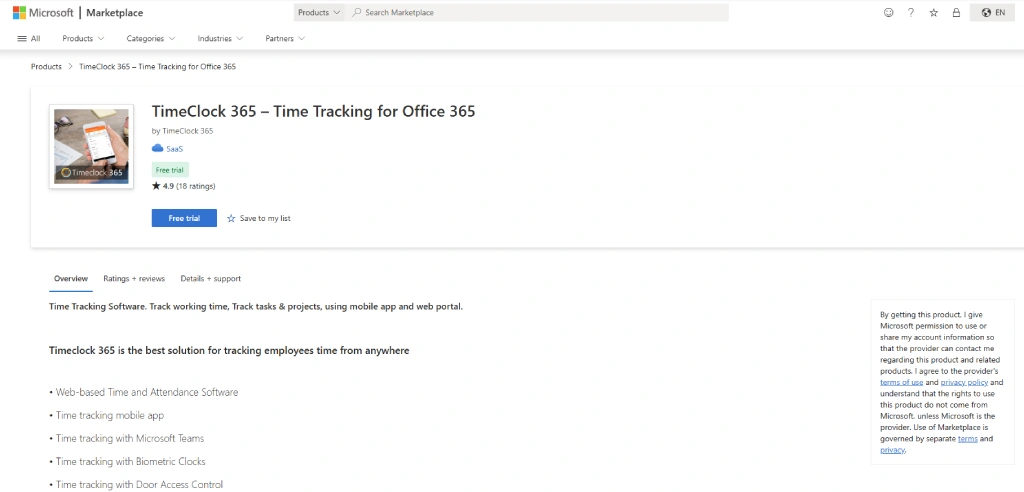
TimeClock 365 is a time and attendance management platform designed for businesses that need reliable employee clock-in options across office, remote, and field environments. If your team requires multiple ways to record attendance, TimeClock 365 offers web-based punch-ins, biometric time clocks, mobile apps, and GPS location tracking to help you manage attendance more accurately.
Key Features
- Biometric time clocks allow employees to punch in using fingerprint or facial recognition.
- GPS location tracking monitors employee locations during clock-ins for field and remote teams.
- Microsoft Teams integration lets employees track time directly within Teams.
- PTO and leave management help you track time-off requests, approvals, and balances.
Pros
- Offers multiple clock-in methods for different work environments
- Useful for businesses that need biometric and GPS-based attendance tracking
- Integrates with Microsoft Teams and other workplace tools
Cons
- Mobile app stability issues have been reported by some users
- Customer support response times may vary due to timezone differences
Pricing
- For pricing details, contact the TimeClock 365 sales team.
Reviews
- G2:5/5
- Capterra: 4/5
3. timeghost Time Tracking - Best for AI-Powered Microsoft 365 Time Tracking
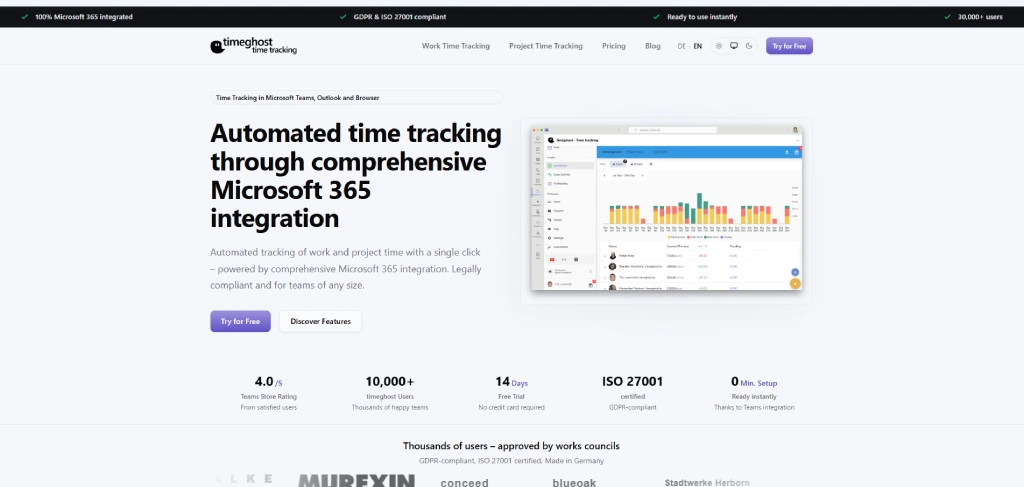
timeghost is a project time tracking tool built specifically for the Microsoft 365 ecosystem. If your team already works inside Microsoft Teams, Outlook, and Planner, timeghost uses AI-powered suggestions to help employees log time entries based on their calendar events, emails, calls, and tasks without manual effort.
Key Features
- AI-powered suggestions automatically capture Microsoft 365 activities like calendar events, emails, and Teams calls.
- Microsoft Teams integration allows employees to track project time directly inside Teams.
- Budget control helps project managers monitor project hours and costs in real time.
- Power Automate support enables custom exports for reports, invoices, and other documents.
Pros
- Requires no separate registration, works directly with your Microsoft 365 account
- Saves time with intelligent activity suggestions from Outlook and Teams
- Simple interface with a minimal learning curve for employees
Cons
- Does not offer employee monitoring or attendance tracking features
- Limited advanced analytics compared to larger platforms
Pricing
- Starting at €5.90/user/month
Reviews
- G2: 5/5
- Capterra: 5/5
4. Timeneye - Best for Microsoft Teams-Centered Workflows
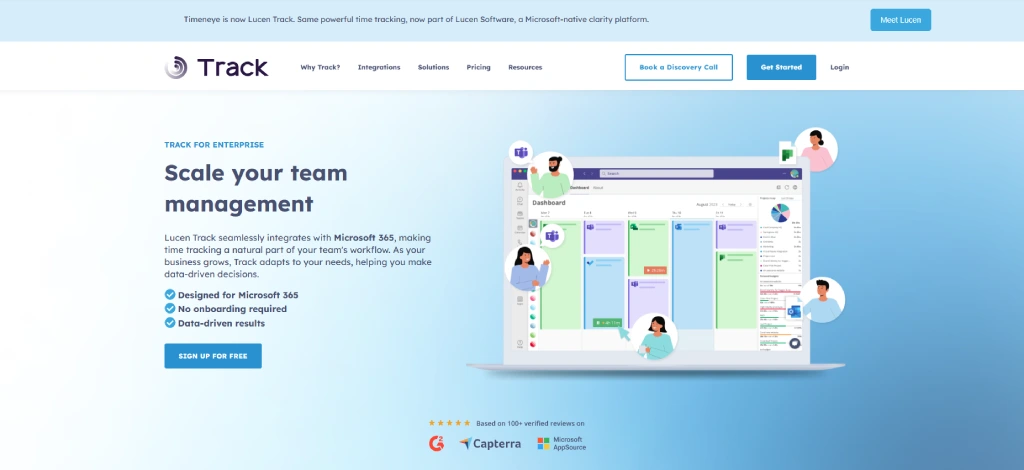
Timeneye is a simple time tracking tool built for teams that spend most of their workday inside Microsoft Teams. If your employees frequently move between meetings, tasks, and projects, Timeneye helps them log hours faster with smart suggestions based on Outlook activities.
Key Features
- Teams integration allows employees to manage time tracking within Microsoft Teams.
- Outlook calendar suggestions recommend time entries based on scheduled meetings.
- Task management helps teams organize projects and daily activities.
- Project tracking gives visibility into time spent across different projects.
Pros
- Makes time tracking easier for Microsoft Teams users
- Saves time with automatic meeting suggestions
- Simple interface that is easy for employees to use
Cons
- Does not offer advanced employee monitoring features
- May not be suitable for large enterprises needing deep analytics
Pricing
- For pricing details, contact the Timeneye Time Tracking sales team.
Reviews
No reviews found in G2 and Capterra
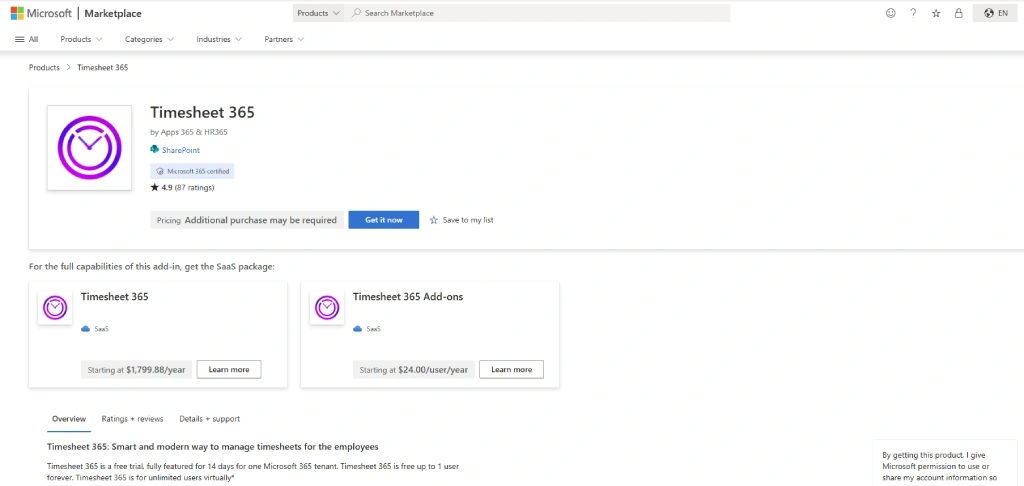
5. Timesheet 365 - Best for Native Microsoft 365 Integration
Key Features
- Native Microsoft Teams integration helps employees track time directly within Teams.
- Outlook calendar sync automatically converts meetings into time entries.
- SharePoint-based storage keeps data inside your Microsoft environment.
- Approval workflows simplify manager reviews and timesheet approvals.
Pros
- Helps your team work directly inside Microsoft 365
- Reduces the need to switch between multiple apps
- Keeps time tracking simple and organized
Cons
- Works best only if your business already uses Microsoft 365 heavily
- Some advanced features may require higher plans
Pricing
- Starter: $1,799.88/year
Reviews
No reviews found in G2 and Capterra
6. Jibble - Best Free Tool for Teams and Field Employees
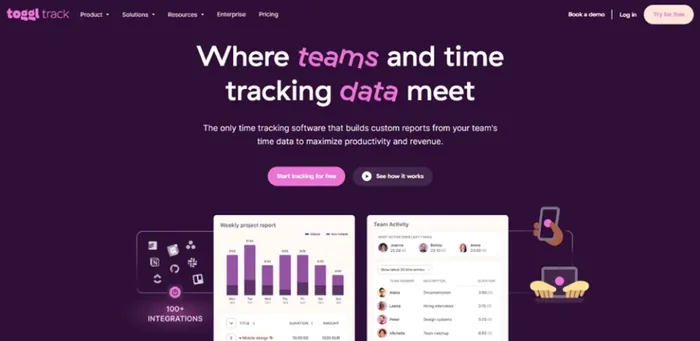
Jibble is a free time tracking and attendance software designed for office teams, shift workers, and field employees. If your employees work across multiple locations, Jibble helps you manage attendance more accurately with GPS tracking and facial recognition features. Its Microsoft Teams integration also allows your team to clock in and manage schedules directly from familiar tools.
Key Features
- GPS attendance tracking records employee locations during clock-ins.
- Facial recognition helps prevent buddy punching and attendance fraud.
- Automated timesheets reduce manual tracking work.
- Teams integration allows employees to clock in directly through Microsoft Teams.
Pros
- Free plan supports unlimited users
- Useful for field employees and shift workers
- GPS and attendance features improve tracking accuracy
Cons
- Does not offer advanced employee monitoring features
- May not be suitable for large enterprises needing deep analytics
Pricing
- For pricing details, contact the Jibble sales team.
Reviews
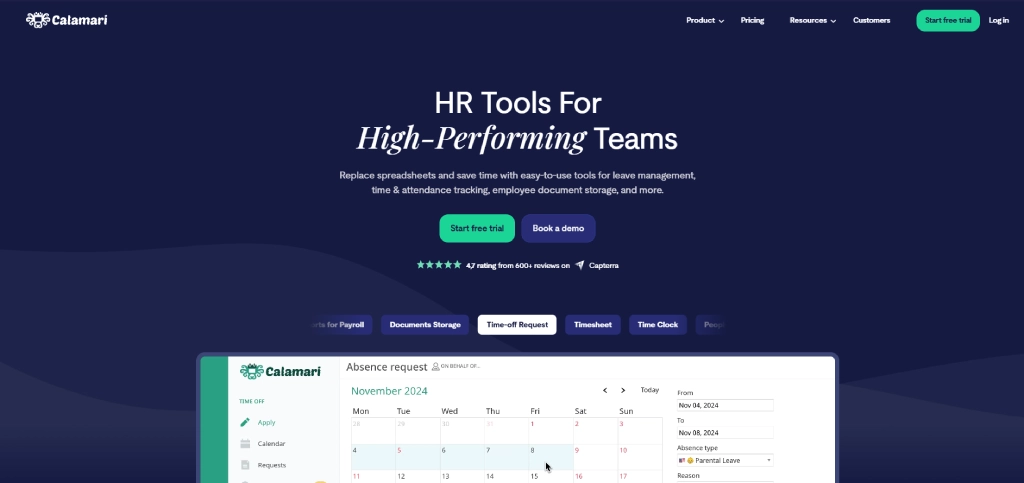
7. Calamari - Best for Leave Management and Modular HR Tracking
Key Features
- Microsoft Teams clock-in lets employees start and end their workday directly inside Teams.
- Leave management automates time-off requests, approvals, and balance tracking.
- Geo-fencing restricts clock-ins to specific locations for field and on-site teams.
- Modular pricing allows you to pay only for the features your business needs.
Pros
- Flexible modular pricing helps control costs for smaller teams
- Strong leave management and attendance tracking capabilities
- Integrates with Microsoft 365, Slack, Jira, and other workplace tools
Cons
- Not a full employee monitoring or productivity tracking solution
- Reporting and analytics features may feel limited for larger enterprises
Pricing
- Time Off: $2/user/month
- Time and Attendance: $2.50/user/month
- Core HR: $2/user/month
Reviews
- G2:4.6/5
- Capterra: 4.7
8. Beebole - Best for Compliance and Attendance Management
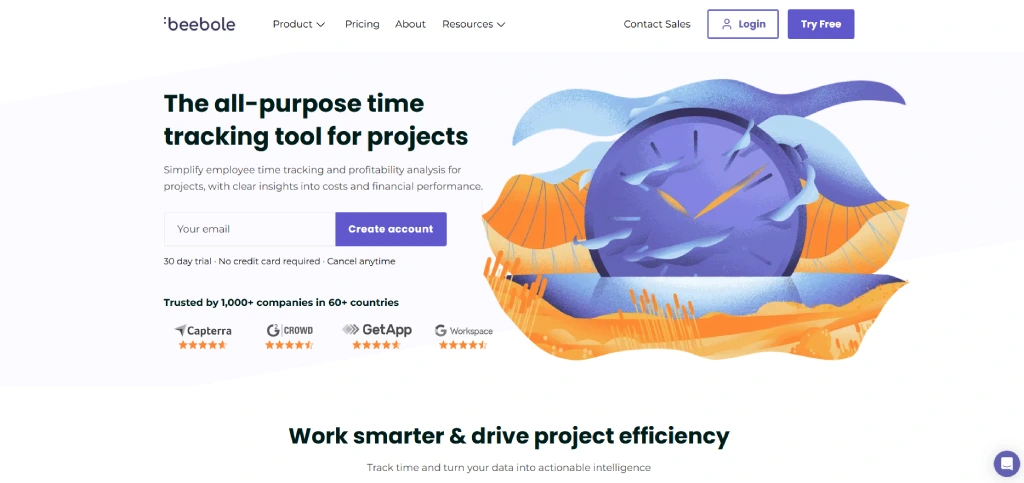
Beebole is a time tracking and attendance management solution focused on compliance, reporting, and workforce accountability. If your business needs accurate employee records for payroll, audits, or labor regulations, Beebole helps you maintain organized and reliable documentation.
Key Features
- Attendance tracking records employee work hours and leave data.
- Compliance reports help you maintain audit-ready documentation.
- Custom approval workflows simplify timesheet approvals.
- Leave management tracks vacations, holidays, and absences.
Pros
- Helps maintain accurate attendance and compliance records
- Strong reporting for audits and payroll management
- Good option for enterprise businesses
Cons
- Interface feels less modern compared to competitors
- Limited productivity and monitoring features
Pricing
- Everything but the kitchen sink:€8,99/user/month
Reviews
9. Clockify - Best Free Time Tracker for Microsoft 365 Teams
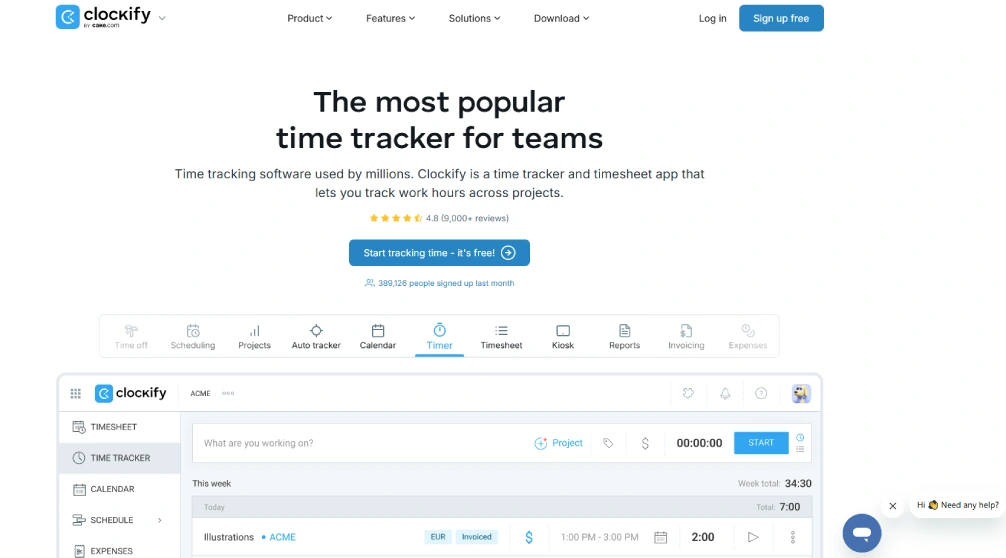
Clockify is a free time tracking software that helps you manage employee work hours, projects, and productivity without increasing software costs. Its unlimited-user free plan makes it a practical choice if you’re running a startup or growing business using Microsoft 365. With easy setup and simple dashboards, Clockify helps your team start tracking time quickly without a complicated learning process.
Key Features
- Unlimited users on the free plan allow businesses to scale without extra costs.
- Time tracking dashboards provide a clear overview of employee activity.
- Reports and analytics help you review productivity and project hours.
- Cross-platform support works across desktop, web, and mobile devices.
Pros
- Offers a free plan for unlimited users
- Quick and easy setup process
- Good option for startups and small businesses
Cons
- Advanced reporting features require paid plans
- Limited workforce monitoring capabilities
Pricing
- For pricing details, contact the Clockify sales team
Reviews
10. Toggl Track - Best for Simple and User-Friendly Time Tracking
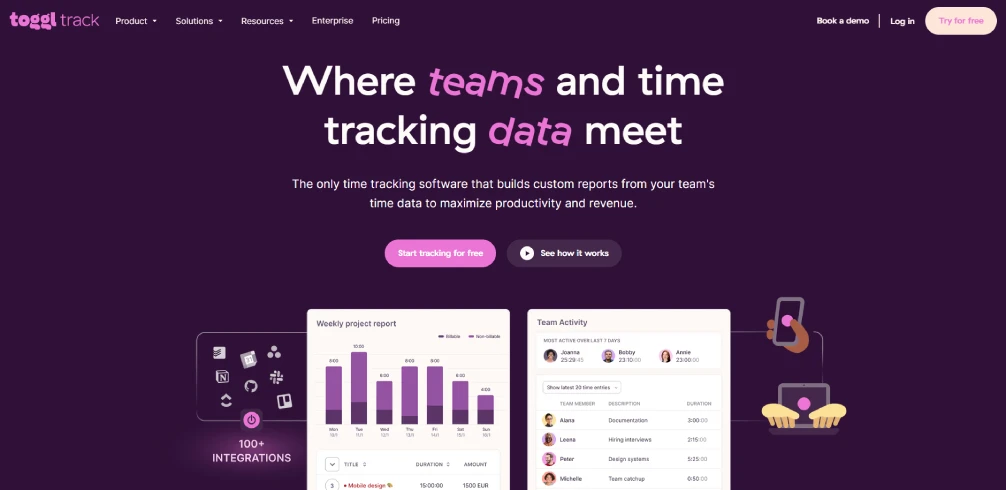
Toggl Track is a simple and easy-to-use time tracking tool designed for freelancers, startups, and small teams. If you want a clean interface without overwhelming dashboards, Toggl Track helps your team manage work hours with minimal effort. Its quick timers and organized reports make it easier for you to track productivity while keeping the experience smooth and distraction-free.
Key Features
- Unlimited users on the free plan allow businesses to scale without extra costs.
- Time tracking dashboards provide a clear overview of employee activity.
- Reports and analytics help you review productivity and project hours.
- Cross-platform support works across desktop, web, and mobile devices.
Pros
- Very easy for your team to learn and use
- Clean and distraction-free interface
- Strong reporting for small teams and freelancers
Cons
- Higher pricing compared to similar tools
- Does not provide advanced employee monitoring features
Pricing
- Free:$0 for a limited number of users
- Starter: $9/user/month(billed annually)
- Premium: $18/user/month(billed annually)
Reviews
Ready to simplify Microsoft 365 time tracking?
Start using Time Champ to automate tracking, reduce manual work, and manage projects more efficiently.
Quick Comparison of the Best Microsoft 365 Time Tracking Tools
Choosing the right Microsoft 365 time tracking tool becomes easier when you compare pricing, free plans, and the type of features each platform offers. The table below gives you a quick overview of the best tools to help you find the right fit for your team, workflow, and business needs.
| Tool | Best For | Starting Price | Free Plan |
|---|---|---|---|
| Time Champ | Time Tracking and Employee Monitoring | $3.90/user/month | 7-day free trial |
| TimeClock 365 | Attendance Tracking and Biometric Clock-Ins | Contact the sales team | Free Trial |
| timeghost | AI-Powered Microsoft 365 Time Tracking | €5.90/user/month | No |
| Timeneye | Microsoft Teams-Centered Workflows | Contact the sales team | No |
| Timesheet 365 | Native Microsoft 365 Integration | $1,799.88/year | No |
| Jibble | Field Teams and Attendance Tracking | Contact the sales team | Yes |
| Calamari | Leave Management and Modular HR Tracking | $2/user/month | 14-day free trial |
| Beebole | Compliance and Attendance Management | €8.99/user/month | No |
| Clockify | Free Time Tracking for Teams | Contact the sales team | Yes |
| Toggl Track | Simple and User-Friendly Tracking | $9/user/month | Yes |
Conclusion
The right Microsoft 365 time tracking tool can help you improve productivity visibility, manage projects better, reduce payroll errors, and simplify daily workflows. The key is choosing a solution that fits your team’s work style and integrates smoothly with your existing Microsoft 365 environment. With the right platform, you can track work hours more accurately, improve accountability, and create a more organized and efficient workflow across your team.

Guna Lakshmi

Table of Content
 Why Microsoft 365 Teams Needs Time Tracking Software
- Top 10 Microsoft 365 Time Tracking Tools
- Quick Comparison of the Best Microsoft 365 Time Tracking Tools
- Conclusion

Related Blogs

Learn how time tracking improves remote team productivity through better visibility, accountability, performance tracking, and smarter team management.
Anjali | May 16, 2026
Want to boost productivity? Uncover 20 time tracking best practices that can transform your workflow and help you achieve more with less effort.
Guna Lakshmi | July 01, 2025
Discover effective ways to build employee trust in automatic time tracking software and create a transparent, productive, and positive work environment.
Thasleem Shaik | Mar 13, 2025
Find out why you may need to monitor freelancer work, including key pros and cons that affect productivity, quality, accountability, and trust in teams.
Jahnavi Pulluri | Apr 29, 2026
Get free freelance timesheet templates designed for accurate time tracking, better organization, and effective time management
Mounika Sai | Jan 09, 2024
Learn how automated time tracking improves team productivity, reduces manual work, builds trust, and delivers smarter workforce insights for managers today.
Anjali | May 15, 2026


 4.7/5 avg.
Ready to Manage Your Workforce Smarter?
Join our family of 1500+ companies using smart insights to redefine workforces!

Free Trial
No Credit Card Required